Related services: custom Excel dashboards · Excel integration with SQL and APIs
Introduction
Logistics and supply chain organisations operate in an environment where accuracy, speed, and visibility directly influence profitability and customer satisfaction. From inventory planning and warehouse management to freight scheduling and supplier coordination, businesses generate large volumes of operational data every day. Without efficient systems, manual spreadsheet processes can lead to reporting delays, inventory inaccuracies, duplicated work, and costly operational errors.
For many New Zealand organisations, implementing a full ERP customisation is not always practical for every operational requirement. This is where professionally developed Excel solutions become highly valuable. When designed correctly, Microsoft Excel — combined with VBA automation, Power Query, and structured data management — becomes a scalable business application capable of automating complex workflows while integrating with existing enterprise systems.
XLS Experts develops enterprise-grade Excel automation solutions that help organisations improve operational efficiency, reduce manual processing, enhance reporting accuracy, and support better business decision-making across the entire supply chain.
Why Logistics Businesses Continue to Use Excel
Despite significant investment in enterprise software, Excel remains one of the most widely used operational tools throughout logistics organisations. Operations teams regularly use Excel for:
- Inventory planning
- Warehouse reporting
- Freight scheduling
- Shipment tracking
- Supplier performance analysis
- Demand forecasting
- Procurement reporting
- Transport cost analysis
- KPI dashboards
- Operational budgeting
The challenge is rarely Excel itself — it is the reliance on manually maintained spreadsheets that become increasingly difficult to manage as operations grow. Professional Excel development transforms spreadsheets into structured business applications with automation, validation, security, and governance built in.
Common Challenges in Logistics and Supply Chain Management
Manual Data Entry
Employees spend significant time copying information between warehouse systems, ERP platforms, transport software, and supplier reports — increasing human error, duplicate records, processing delays, and inconsistent reporting.
Limited Visibility Across Operations
Without consolidated reporting, managers often rely on multiple disconnected spreadsheets. This makes it difficult to quickly answer critical questions: which products require replenishment, which suppliers consistently deliver late, which transport routes generate the highest costs, and where inventory bottlenecks are occurring.
Slow Reporting Cycles
Operational reports may take hours — or even days — to prepare manually. Decision-makers require near real-time insights rather than static reports that are already outdated when completed.
Spreadsheet Version Control
Multiple employees editing separate copies creates confusion regarding current inventory levels, forecast accuracy, shipment status, and financial reporting. Enterprise Excel solutions address these governance challenges through controlled automation and structured workflows.
How Custom Excel Solutions Improve Supply Chain Performance
Automated Inventory Management
Custom Excel systems can monitor stock levels, track reorder points, calculate safety stock, highlight shortages, and generate replenishment reports. Power Query enables inventory data from multiple systems to be automatically consolidated into a single reporting environment.
Automated Reporting Dashboards
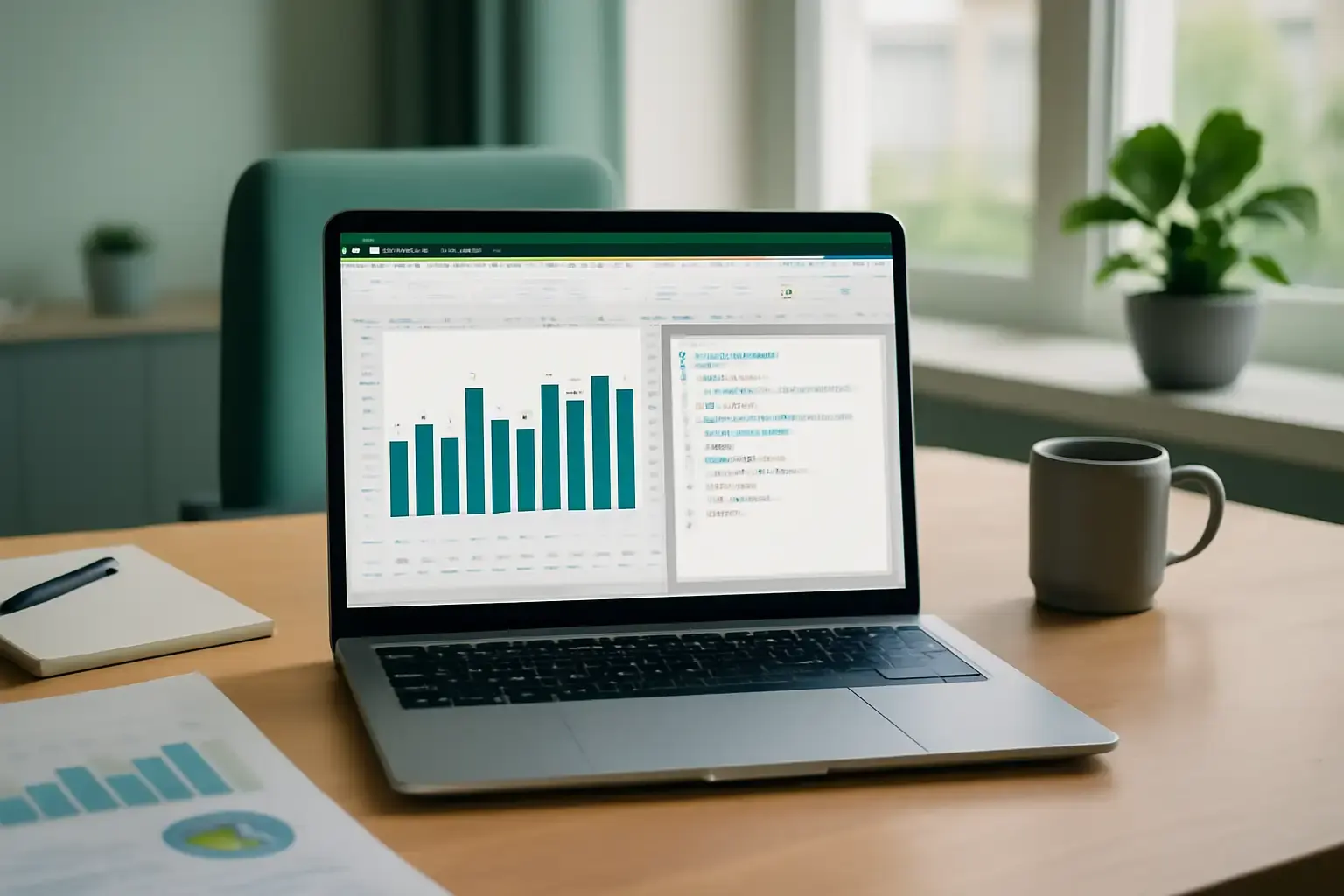
Interactive dashboards allow operational managers to monitor inventory turnover, warehouse performance, supplier delivery performance, freight costs, order fulfilment rates, transport efficiency, and customer service KPIs — with reports updating automatically rather than requiring manual preparation.
Freight and Transport Cost Analysis
Excel automation helps organisations evaluate carrier performance, fuel costs, delivery times, route profitability, and freight expenditure trends. Automated calculations improve pricing transparency while supporting procurement negotiations.
Supplier Performance Monitoring
Excel dashboards can automatically measure on-time delivery, purchase order accuracy, lead times, quality metrics, and supplier scorecards — helping procurement teams make informed sourcing decisions.
Integrating Excel with Existing Business Systems
One of Excel's greatest strengths is its ability to work alongside existing enterprise technology. Rather than replacing ERP systems, custom Excel applications often complement them by simplifying operational reporting and automating specialised business processes. Excel solutions can integrate with ERP platforms, accounting software, Warehouse Management Systems, Transport Management Systems, SQL databases, CSV exports, APIs, Power BI, SharePoint, and Microsoft Teams.
Business Benefits of Enterprise Excel Automation
Well-designed Excel solutions deliver measurable operational improvements:
- Reduced manual administration
- Improved reporting accuracy
- Faster operational decision-making
- Lower processing costs
- Increased productivity
- Better data governance
- Standardised reporting
- Enhanced compliance
- Scalable operational processes
- Improved visibility across supply chains
Frequently Asked Questions
- Why do logistics companies still use Excel?
- Excel offers exceptional flexibility for operational planning, reporting, forecasting, and analysis. When professionally developed with VBA and automation, it becomes a reliable business application capable of supporting enterprise logistics processes.
- Can Excel integrate with ERP systems?
- Yes. Custom Excel solutions can connect with ERP platforms, databases, APIs, CSV files, and other business systems to automate reporting and streamline operational workflows.
- What supply chain processes can be automated?
- Excel automation can streamline inventory management, freight analysis, procurement reporting, warehouse operations, forecasting, supplier performance monitoring, financial reporting, and operational dashboards.
- When should a business use Excel instead of ERP customisation?
- Where operational requirements change frequently or involve specialised reporting, Excel automation can often deliver faster implementation, greater flexibility, and lower costs than modifying core ERP systems.
Conclusion
Modern logistics organisations require accurate information, efficient processes, and reliable reporting to remain competitive. Professionally developed Excel solutions enable businesses to automate repetitive tasks, improve operational visibility, and support better strategic decision-making without disrupting existing enterprise systems. XLS Experts specialises in custom Excel development, VBA programming, Power Query automation, enterprise dashboards, and business process optimisation for organisations across New Zealand.