Related services: management dashboard development · spreadsheet design and build
The Role of Excel in Hospitality Operations
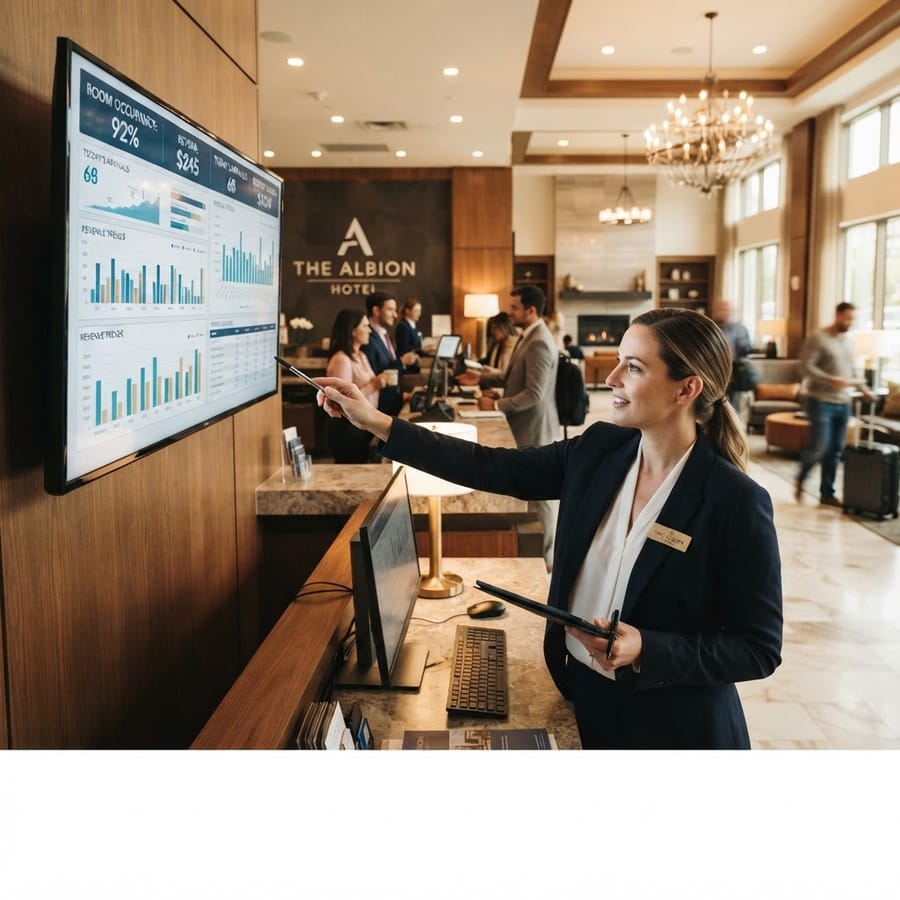
Hospitality businesses generate rich operational data — occupancy rates, average daily rates, revenue per available room, food and beverage revenues, labour costs by department, and guest satisfaction scores. Property management systems and POS platforms capture the transactions, but consolidating, analysing, and reporting on this data typically happens in Excel.
The challenge is that most hospitality Excel usage is reactive — pulling exports from the PMS, manually pasting into spreadsheets, and spending hours producing reports that could be generated in minutes with the right automation. XLS Experts has worked with hotels and hospitality groups across New Zealand to replace these manual workflows with automated, reliable reporting systems.
Key Applications in Hospitality
- Occupancy and RevPAR dashboards
- Food and beverage revenue and cost reporting
- Labour scheduling and cost modelling
- Valet and parking management tools
- Event and function profitability analysis
- Budget vs actual reporting by department
- Guest satisfaction trend analysis
- Rate and yield management tools
- Maintenance scheduling and asset tracking
- Supplier cost analysis and purchasing reports
Valet Parking and Guest Services
XLS Experts built a hybrid valet parking management system for the Pullman Hotel Auckland — combining an Excel-based admin console with a connected mobile web app for parking staff. This type of hybrid solution illustrates the power of using Excel as the analytical backbone while extending functionality to mobile for operational staff. The same connected architecture can be applied to other guest service workflows.
Labour Cost Modelling and Scheduling
Labour is typically the largest controllable cost in hospitality operations. Custom Excel scheduling tools allow department managers to build rosters against budget, model different staffing scenarios, calculate labour cost as a percentage of revenue, and identify scheduling inefficiencies before they become cost problems. When connected to payroll system exports, the same tool can track actual hours against scheduled hours automatically.
Frequently Asked Questions
- Can Excel connect to our property management system?
- Yes, in most cases. We can connect to PMS databases directly or build automated import from scheduled exports depending on the platform.
- What is RevPAR and how is it calculated in Excel?
- Revenue Per Available Room (RevPAR) is calculated by multiplying the average daily rate by the occupancy rate. Excel dashboards can calculate and track RevPAR automatically from PMS data.
- Can Excel handle multi-property reporting?
- Yes. We build consolidated group reporting tools that aggregate data from multiple properties into a single dashboard, with drill-down to individual property performance.
Conclusion
Hospitality businesses that invest in properly built Excel reporting and operational tools gain faster access to performance data, better cost control, and more time for the operational work that drives guest satisfaction. XLS Experts has delivered solutions for hotels, accommodation groups, and food and beverage operations across New Zealand.