
Accelerate Growth with Spreadsheet & Workflow Automation in NZ
- Mathew
- 8 hours ago
- 5 min read
Why New Zealand Businesses Are Investing in Spreadsheet Automation
Many organisations across New Zealand continue to rely heavily on spreadsheets for operational reporting, budgeting, forecasting, project tracking, compliance management, and workflow coordination. While spreadsheets remain highly flexible and accessible, manual spreadsheet processes often create operational bottlenecks as businesses scale.

Enterprise teams frequently encounter issues such as:
Repetitive data entry
Version control problems
Reporting delays
Formula errors
Inconsistent business logic
Manual reconciliation across systems
Limited visibility into operational performance
For organisations managing large data volumes or multi-department processes, these inefficiencies can affect decision-making, increase operational risk, and reduce productivity.
Spreadsheet and workflow automation provides a practical and cost-effective solution. With professionally developed Excel, VBA, Power Query, and integrated automation systems, businesses can transform spreadsheets into governed operational tools that support faster reporting, improved accuracy, and scalable business processes.
What Is Spreadsheet & Workflow Automation?
Spreadsheet automation refers to the use of advanced Excel development, VBA programming, Power Query, and connected workflows to automate repetitive business tasks and data processes.
Workflow automation extends this capability by integrating spreadsheets with:
ERP systems
Finance platforms
CRM applications
SQL databases
Cloud storage
Web applications
Operational reporting systems
Rather than relying on manual spreadsheet updates, automated systems streamline how information is collected, processed, validated, and distributed across the organisation.
For enterprise businesses in New Zealand, automation reduces administrative workload while improving consistency and operational governance.
Common Business Problems Spreadsheet Automation Solves
Manual Reporting Delays
Many finance and operations teams still spend hours consolidating reports from multiple business systems. Monthly reporting cycles often require manual exports, copy-paste operations, and spreadsheet reconciliation.
This process is:
Time-consuming
Error-prone
Difficult to audit
Dependent on key staff knowledge
Automated reporting solutions can connect directly to data sources, refresh reports automatically, and generate standardised dashboards with significantly less manual intervention.
Inconsistent Data Across Departments
When teams maintain separate spreadsheets, inconsistencies quickly emerge. Different formulas, naming conventions, and reporting methods can produce conflicting results.
Spreadsheet automation centralises logic and calculations into governed systems, ensuring consistency across:
Financial reporting
Operational KPIs
Forecasting models
Project tracking
Inventory reporting
High Administrative Overhead
Manual workflows consume valuable staff time. Teams often spend more time preparing data than analysing it.
Examples include:
Updating operational trackers
Processing invoices
Managing schedules
Reconciling datasets
Preparing executive reports
Maintaining compliance logs
Automation removes repetitive administrative tasks so staff can focus on higher-value operational and strategic work.
Why Excel Remains a Powerful Enterprise Automation Tool
Excel Is Already Embedded in Most Organisations
Despite the rise of enterprise software platforms, Excel remains one of the most widely used business tools globally. Most organisations already depend on Excel for operational and financial management.
This creates a significant advantage:
Minimal training requirements
Familiar user environment
Lower implementation disruption
Faster adoption across teams
Rather than replacing existing workflows entirely, automation enhances current spreadsheet systems and improves operational reliability.
Excel + VBA Supports Complex Business Logic
Professional Excel development allows organisations to build tailored business applications that support highly specific operational requirements.
Examples include:
Automated financial models
Asset management systems
Pricing engines
Budget forecasting tools
Resource planning systems
Project portfolio dashboards
Compliance tracking platforms
With VBA automation and Power Query integration, Excel can function as a controlled operational platform rather than a standalone spreadsheet file.
Faster and More Cost-Effective Than ERP Customisation
Enterprise software customisation can be expensive, time-consuming, and difficult to prioritise internally.
Spreadsheet automation often provides:
Faster implementation
Lower development costs
Greater flexibility
Easier business-user adoption
Rapid process improvements
For many New Zealand businesses, Excel automation bridges the gap between manual processes and large-scale system transformation projects.
How Workflow Automation Works in Practice
Automated Data Collection
Modern spreadsheet solutions can automatically collect and consolidate data from:
ERP exports
Accounting systems
SQL databases
CSV files
APIs
SharePoint
Cloud applications
Power Query allows businesses to standardise and clean incoming data automatically, eliminating repetitive manual preparation.
Intelligent Business Rules
VBA development enables organisations to automate:
Validation checks
Approval workflows
Notifications
Data cleansing
Exception reporting
Scenario modelling
This reduces reliance on manual oversight while improving operational consistency.
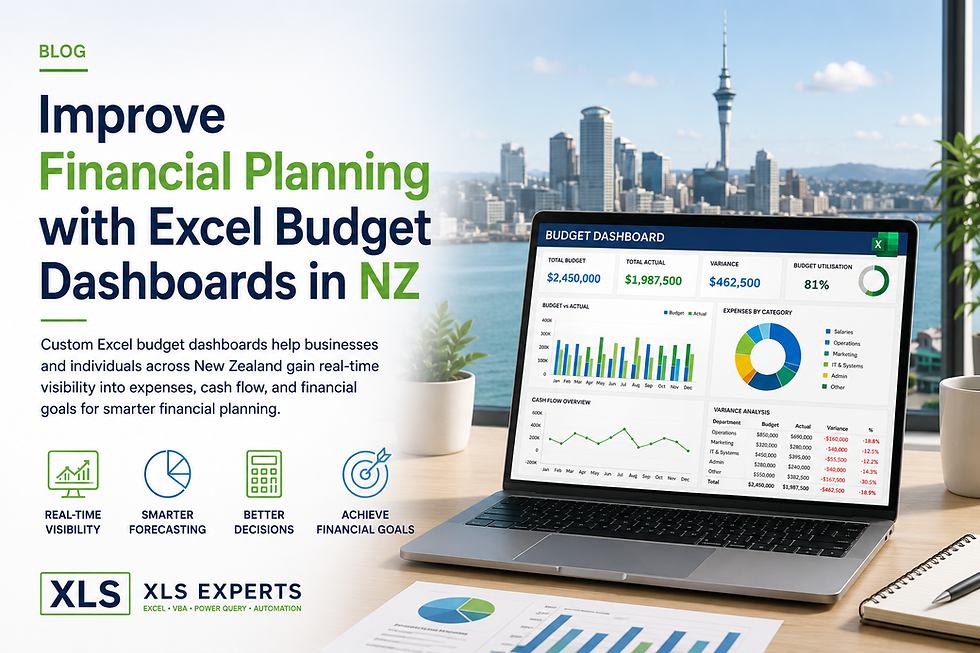
Real-Time Reporting Dashboards
Automated dashboards provide management teams with faster visibility into business performance.
Interactive dashboards can track:
Financial KPIs
Operational metrics
Resource utilisation
Sales performance
Forecast variance
Production reporting
Project delivery status
Decision-makers gain access to accurate and up-to-date information without waiting for manually compiled reports.
Frequently Asked Questions About Spreadsheet Automation
Is Excel automation suitable for enterprise organisations?
Yes. Professionally developed Excel automation systems are widely used across enterprise environments when properly structured, governed, and documented.
The key difference is development quality. Enterprise-grade spreadsheet systems include:
Controlled architecture
Error handling
Security controls
Auditability
Documentation
Scalable logic
Maintainable code structures
Can Excel integrate with ERP and finance systems?
Yes. Excel can integrate with many enterprise platforms through:
APIs
ODBC connections
SQL databases
CSV automation
Power Query connectors
Cloud-based data services
This allows organisations to automate reporting and operational workflows without replacing core systems.
What types of processes can be automated?
Spreadsheet and workflow automation can support:
Financial reporting
Budgeting and forecasting
Project controls
Operational dashboards
Inventory management
Payroll preparation
Compliance reporting
Resource scheduling
Data reconciliation
Executive reporting packs
Does automation reduce spreadsheet errors?
Yes. Manual spreadsheets are highly vulnerable to:
Formula mistakes
Copy-paste errors
Incorrect references
Version inconsistencies
Automation standardises calculations and removes repetitive manual processes, significantly improving data reliability and reporting accuracy.
The Business Benefits of Spreadsheet & Workflow Automation
Improved Operational Efficiency
Automation dramatically reduces manual processing time across reporting and operational functions.
Tasks that previously required hours of administrative effort can often be completed in minutes.
Better Decision-Making
Automated dashboards and reporting tools provide faster access to reliable operational information.
This enables leadership teams to:
Identify issues earlier
Monitor KPIs consistently
Improve forecasting accuracy
Respond faster to operational changes
Reduced Business Risk
Governed spreadsheet systems reduce the risk associated with:
Human error
Uncontrolled spreadsheets
Inconsistent reporting logic
Knowledge dependency
Manual reconciliation
This is particularly important in regulated or high-volume operational environments.
Scalable Business Processes
As organisations grow, manual spreadsheet processes become increasingly difficult to manage.
Automation supports scalable operations without requiring proportional increases in administrative resources.
Why Work with Excel Automation Specialists?
Developing enterprise-grade spreadsheet systems requires more than advanced Excel knowledge. Effective solutions require:
Process analysis
Systems thinking
Workflow design
Data architecture
Governance planning
User-focused development
Professional Excel automation specialists help organisations:
Identify process inefficiencies
Design scalable workflows
Improve reporting structures
Reduce operational risk
Build maintainable automation systems
This ensures spreadsheet solutions remain reliable, supportable, and aligned with broader business operations.
Accelerate Operational Growth with XLS Experts NZ
Businesses across New Zealand are increasingly adopting spreadsheet and workflow automation to improve operational performance, reporting reliability, and business scalability.
Custom Excel, VBA, Power Query, and workflow automation solutions provide a practical way to modernise business processes without the cost and disruption of major system replacement projects.
XLS Experts NZ delivers professional spreadsheet automation solutions designed for enterprise and operational environments. From automated reporting systems to integrated workflow tools and advanced dashboards, tailored solutions help organisations reduce manual effort, improve accuracy, and accelerate decision-making.
For businesses seeking scalable operational efficiency, spreadsheet automation remains one of the most effective and commercially practical transformation tools available today.


Comments