
Enterprise Excel & VBA Automation for NZ Businesses: Strategic Reporting, Risk-Aware Decision Support, and Scalable Data Workflows
- Mathew
- Feb 3
- 5 min read
Introduction — The Enterprise Imperative for Business Reporting & Automation
In today’s data-driven economy, New Zealand’s large enterprises — spanning finance, infrastructure, utilities, and national services — face relentless pressure to deliver accurate reporting, timely insights, and seamless operational automation. Yet many critical processes remain locked behind manual spreadsheet workflows, fragmented data sources, and repetitive reporting cycles that consume valuable leadership time and introduce avoidable risk.

For enterprise leaders, this is more than a productivity issue: it challenges data governance, scalability, and decision confidence across finance, operations, and IT environments. While ERP systems and bespoke platforms promise long-term solutions, they are often ill-equipped to address critical reporting gaps, workflow exceptions, and real-time insights without significant cost and time investments.
Enter professional Excel and VBA automation — not as an ad-hoc toolset, but as an enterprise-grade reporting and automation platform capable of working with existing systems, enhancing data models, and delivering insight-centric workflows that augment ERP and BI systems without compromise.
The Problem: Manual Reporting, Data Silos, and Operational Risk
1. Manual Spreadsheet Workflows Undermine Accuracy and Efficiency
Across many NZ enterprises, the typical reporting cycle involves:
Exporting data from multiple systems (ERP, financial sub-ledgers, service platforms)
Manually consolidating data in disparate spreadsheets
Running multiple iterations of pivot tables, formulas, and charts
Validating and re-validating results under tight time frames
These processes are labor-intensive, with high risk of human error, version control issues, and inconsistent governance — especially when spreadsheets are shared via email or file servers.
2. ERP Systems Lack Flexible, Context-Rich Reporting
ERP platforms provide structure but often struggle with specialized analytical views, advanced pivoting, and scenario modeling requirements without costly customisation. Finance and operations leaders are forced to maintain parallel reporting systems in spreadsheets simply to fill gaps in real-time insight delivery.
3. Siloed Workflows Impair Decision-Making
When data is siloed, leaders lack the single source of truth needed to forecast trends, manage exceptions, and evaluate performance. Delays of even hours can lead to decisions based on outdated information, which jeopardises competitive advantage and operational agility.
Why Excel + VBA is a Strategic Enterprise Solution
Enterprise-Grade Capabilities, Not “Spreadsheets”
When strategically designed and professionally implemented:
Microsoft Excel becomes a governed reporting platform that can ingest, transform, and present data with audit trails and consistent logic
VBA (Visual Basic for Applications) automates workflows that once required days of manual effort
Power Query and Power Pivot support data shaping and modelling at enterprise scale
These elements together offer a platform that is familiar to internal teams, flexible to change, and powerful enough to deliver enterprise automation without sacrificing governance.
Complementing — Not Replacing — Core Systems
Rather than displacing ERP or BI suites, Excel + VBA solutions:
Serve as a rapid-response layer for specialised reporting demands
Close operational gaps where core systems are rigid
Provide a testbed for process refinement before full system integration
This hybrid approach accelerates insight delivery without the sunk costs or timelines of extensive ERP customisation.
How Enterprise Reporting & Automation Works in Practice
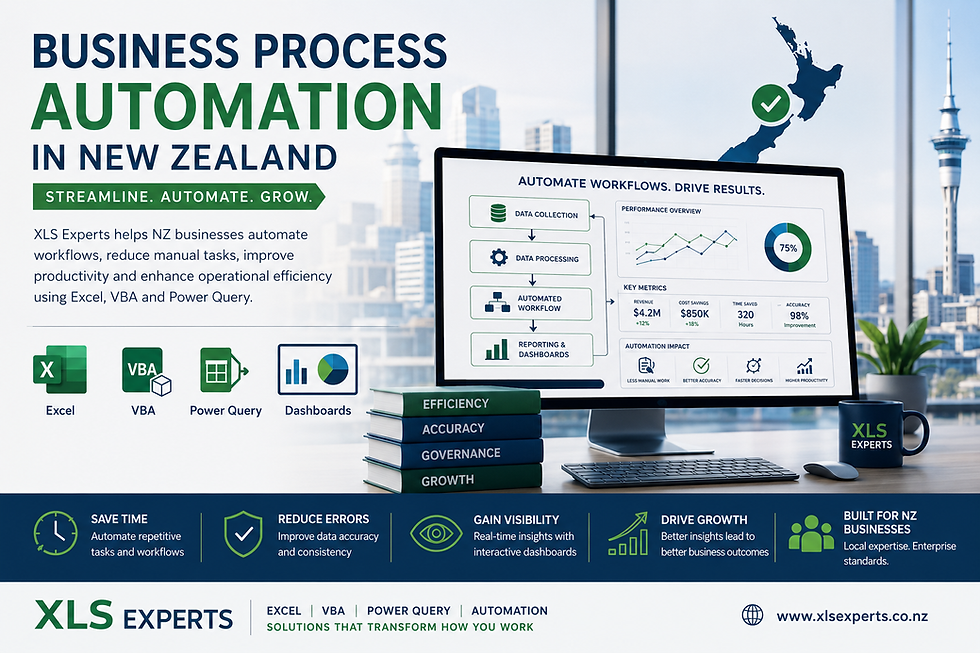
1. Centralised Data Architecture with Scalable Workflows
Professional automation begins with consolidating raw inputs from finance, CRM, inventory, service, asset, and operations systems into centralised Excel models or linked data connections. These may leverage:
Power Query to pull and refresh data from SQL, APIs, or cloud sources
VBA automation scripts to handle routine data cleaning, calculations, and distribution
Dynamic pivot tables and dashboards to present results in a governed, user-friendly interface
This architecture ensures data consistency and reduces manual touchpoints.
2. Tailored Automation for Routine and Complex Tasks
Whether it’s:
Monthly financial reporting
Sales trend analysis with pivot visuals
Inventory movement exception reporting
KPI dashboards for executive review
Custom VBA and Power Query automation can turn multi-step processes that once took days into one-click operations that run accurately and repeatably.
3. Seamless Integration with Enterprise Systems
Integration points with ERP and external databases ensure that data flows freely without manual exports. Excel models can connect directly to source systems via secure connections, enabling:
automated data refresh
validated data feeds
direct query access for large datasets
All of which uphold enterprise standards of auditability, compliance, and security.
4. Governance, Documentation, and Maintainability
A professional implementation emphasises:
Structured code with version control
Documentation of logic and assumptions
User governance protocols
Testing and rollback strategies
This ensures continuity, reduces reliance on individuals, and future-proofs the solution against organisational change.
Key Business Outcomes for NZ Enterprises
1. Reduced Risk, Enhanced Reliability
Automated workflows significantly reduce manual error and ensure that calculations, pivot logic, and data consolidations are consistent across reporting cycles. This is especially critical for financial close processes and regulatory submissions.
2. Accelerated Decision-Making
By embedding automated dashboards and real-time reporting, leaders gain access to the latest insights without waiting for manual refresh cycles. This boosts confidence and accelerates strategic decisions.
3. Cost Efficiency Compared to ERP Customisation
Customising ERP systems for every unique report or analytical need is expensive and slow. Excel + VBA automation enables organisations to bridge those gaps at a fraction of the cost, with far quicker delivery timelines.
4. Scalable for Future Complexity
Well-architected automation scales as data volumes grow, and reporting needs evolve. Adding new scenarios, metrics, or data feeds becomes a matter of updating scripts, not reinventing processes.
Common Enterprise Questions Answered
Q: Can Excel really handle large enterprise datasets?
Yes — with tools like Power Query, Power Pivot, and VBA, Excel can ingest, model, and summarise data at scale, especially when paired with connected databases and refresh scripts that automate data shaping.
Q: What about governance and version control?
Professional implementations include structured code, documentation, and deployment protocols to uphold audit and governance standards. VBA modules and workbook logic can be versioned and tested as part of release workflows.
Q: How do these solutions interact with existing ERP or BI systems?
Excel automation doesn’t replace ERP; it augments it by providing specialised reporting views, scenario modeling capabilities, and bridging gaps where core systems are inflexible.
Q: What’s the ROI on automating reporting vs manual processes?
Organisations often reduce reporting cycle times from days to hours, eliminate rework, and unlock faster decision cycles — delivering measurable operational cost savings and leadership time reclaimed for strategic work.
How an Enterprise Excel Automation Expert Can Help
Professional Excel consultants bring:
Deep domain experience in finance, operations, and system integration
Technical mastery of VBA, Power Query, Power Pivot, and reporting automation
Strategic insight into risk, governance, and scalable solution design
Development discipline including documentation, testing, and maintenance planning
At XLS Experts NZ, our team works closely with enterprise stakeholders to diagnose pain points, architect tailored automation, and ensure that every solution aligns with governance requirements and business outcomes.
Conclusion — Excel Automation as a Strategic Enterprise Asset
For New Zealand’s large organisations, Excel + VBA automation isn’t a stopgap — it’s a strategically valuable reporting and workflow platform that complements existing systems and elevates enterprise performance.
By automating manual processes, strengthening data workflows, and delivering governed, real-time insights, enterprises unlock a new level of operational clarity and decision effectiveness. When deployed with discipline and expertise, Excel-based automation becomes an enduring asset, not a temporary fix.
As your enterprise navigates reporting complexity and operational demands, partnering with a professional team like XLS Experts NZ ensures your solutions are reliable, scalable, and aligned with strategic goals — helping you lead with confidence in a data-driven era.


Comments