
Excel Budget Dashboards for Growing SMEs in New Zealand
- Mathew
- Apr 6
- 5 min read
Introduction
For many small and medium-sized businesses in New Zealand, budgeting is often handled through multiple spreadsheets that slowly become difficult to manage. Business owners and managers may spend hours updating numbers, checking formulas, and trying to understand where money is actually going.

As businesses grow, financial visibility becomes more important. You need to track expenses, forecast cash flow, and understand performance quickly. Unfortunately, traditional spreadsheets often become messy and time-consuming to maintain.
This is where Excel budget dashboards can make a major difference. With the right design and automation, Excel can transform from a basic spreadsheet into a powerful budgeting and financial management tool. By combining Excel, VBA automation, and smart reporting, SMEs in New Zealand can gain real-time financial insights without investing in expensive enterprise software.
Why Budget Tracking Is Challenging for Growing SMEs
As your business grows, financial tracking becomes more complex. What once worked as a simple spreadsheet can quickly turn into a confusing web of formulas and manual updates.
Common challenges SMEs face include:
Multiple spreadsheets for expenses, invoices, and forecasting
Time-consuming manual data entry
Lack of real-time financial visibility
Difficulty forecasting cash flow
Errors caused by complex formulas or duplicated data
Many business owners end up spending valuable time maintaining spreadsheets rather than focusing on running their business.
A well-designed Excel budget dashboard solves these issues by bringing all financial data into one clear, automated view.
What Is an Excel Budget Dashboard?
An Excel budget dashboard is a visual reporting system built inside Excel that shows key financial information in one place.
Instead of searching through multiple spreadsheets, the dashboard displays important metrics such as:
Monthly expenses
Revenue vs budget targets
Cash flow forecasts
Department or category spending
Profit trends
These dashboards use charts, summary tables, and automated calculations to present financial data clearly and instantly.
For SMEs, this means you can see the financial health of your business at a glance.
Why Excel Is Still One of the Best Budgeting Tools for SMEs
Many businesses assume they need complex accounting software to manage budgets effectively. However, Excel remains one of the most flexible tools available.
Excel works well for SMEs because it:
Is already familiar to most teams
Is highly customisable
Integrates with other systems and data sources
Can automate repetitive work using VBA and Power Query
Scales as your business grows
With expert design, Excel can function like a lightweight financial system tailored specifically to your business.
How Excel Automation Improves Budget Dashboards
One of the biggest improvements comes from automation.
Using Excel VBA and Power Query, repetitive tasks can be automated so your budget dashboard updates automatically.
Automation can handle tasks such as:
Importing financial data from accounting systems
Updating reports automatically
Generating monthly budget summaries
Cleaning and organising raw data
Sending automated reports to management
Instead of manually updating spreadsheets every week, your dashboard can refresh in seconds.
This saves time and reduces the risk of human error.
What Does a Practical SME Budget Dashboard Look Like?
A well-designed budget dashboard focuses on clarity and usability.
Typical features include:
1. Expense Tracking Overview
A visual summary showing spending across categories such as operations, marketing, payroll, and overheads.
2. Monthly Budget vs Actual Comparison
Charts that highlight whether the business is staying within budget.
3. Cash Flow Forecasting
Projected income and expenses over the coming months to help prevent cash shortages.
4. Department or Project Budget Monitoring
Useful for businesses that run multiple teams or projects.
5. Automated Financial Reports
Management reports that can be generated instantly.
Instead of spending hours compiling financial reports, managers can simply open the dashboard and see the latest numbers.
How Excel + VBA Works in Practice
Many SME owners wonder how automation actually works behind the scenes.
A professional Excel solution typically follows a simple structure:
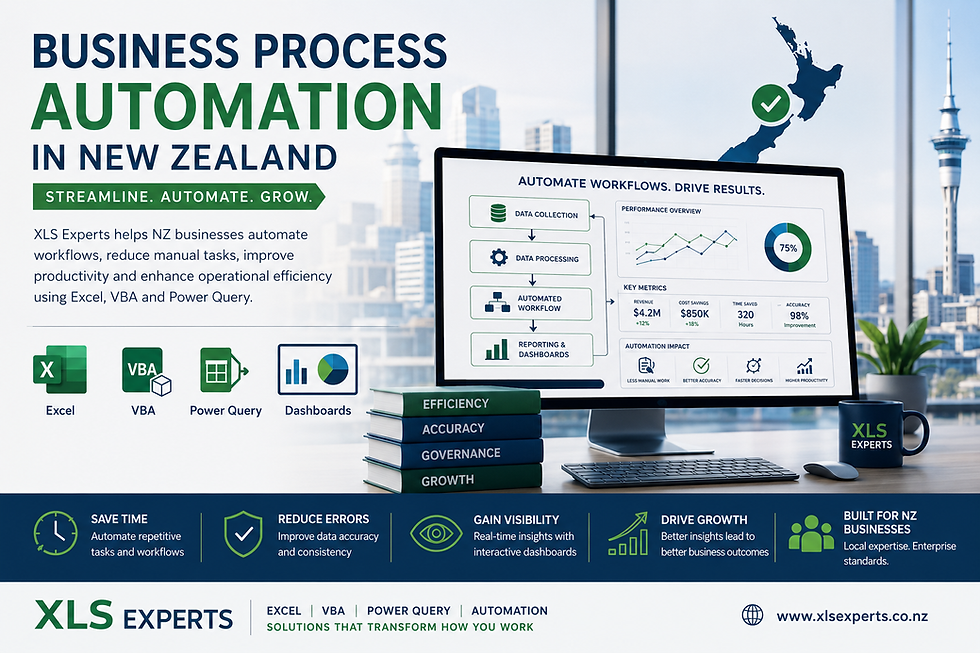
Step 1 – Data CollectionFinancial data is pulled from accounting systems, CSV exports, or internal spreadsheets.
Step 2 – Data ProcessingPower Query or VBA cleans and organises the data automatically.
Step 3 – Budget CalculationsExcel formulas calculate totals, variances, and forecasts.
Step 4 – Dashboard VisualisationCharts and KPI panels present the information in an easy-to-understand format.
Once set up, the system requires minimal manual work.
Can Excel Replace Expensive Financial Software for SMEs?
For many SMEs, the answer is yes.
Large ERP or financial planning systems can be expensive and complex. Excel dashboards provide a practical middle ground.
They allow businesses to:
Maintain full control over their financial models
Avoid costly software subscriptions
Adapt systems as the business evolves
Quickly customise reports for management
Excel solutions are particularly effective for SMEs that need flexibility and speed rather than heavy enterprise systems.
How Excel Experts Help SMEs Build Better Budget Systems
Many businesses try to build dashboards internally but run into problems such as:
Slow spreadsheets
Broken formulas
Difficult-to-maintain reports
Lack of automation
Professional Excel developers approach the problem differently. Instead of simply adding formulas, they design structured Excel systems that are reliable, scalable, and easy to use.
Solutions may include:
Custom budget dashboards
Automated reporting tools
Data integration with accounting platforms
VBA-driven workflow automation
Structured financial models
The goal is to turn Excel into a proper business tool rather than just another spreadsheet.
Frequently Asked Questions
Can Excel dashboards connect with accounting software?
Yes. Excel can import data from many accounting platforms through CSV exports, APIs, or automated data queries. This allows dashboards to update automatically with the latest financial data.
Are Excel dashboards suitable for growing SMEs?
Absolutely. Excel dashboards are ideal for businesses that need flexible reporting without the complexity of large financial systems.
Will automation make spreadsheets harder to use?
No. In fact, automation usually makes spreadsheets easier to use because it removes manual steps. Users simply refresh the dashboard instead of updating multiple files.
How long does it take to build a budget dashboard?
This depends on the complexity of the business data. Simple dashboards can be developed quickly, while larger automation systems may take longer to design properly.
The Business Benefits of Excel Budget Dashboards
For SMEs in New Zealand, the impact of a well-built Excel dashboard can be significant.
Businesses often experience:
Faster financial reporting
Better budgeting control
Improved decision making
Reduced manual spreadsheet work
Clearer visibility into cash flow
Instead of reacting to financial problems after they occur, managers can make proactive decisions based on real-time insights.
Conclusion
Budget management becomes more challenging as businesses grow. Without clear financial visibility, it is difficult to control costs, forecast cash flow, and plan for expansion.
Excel budget dashboards provide a practical and powerful solution for SMEs in New Zealand. By combining Excel, automation, and intelligent reporting, businesses can transform complicated spreadsheets into simple, reliable financial tools.
With the right expertise, Excel can become far more than a spreadsheet. It can function as a tailored budgeting and reporting system designed specifically for how your business operates.
XLS Experts helps businesses build professional Excel solutions that automate processes, improve reporting, and give business owners the clarity they need to make confident financial decisions. 📊💼


Comments