
Excel Experts for Supply Chain Visibility and Performance Tracking in New Zealand
- Mathew
- Feb 26
- 4 min read
Enterprise-Grade Excel, VBA & Automation for Scalable Operational Control
Introduction: The Visibility Challenge in Complex Supply Chains
For enterprise organisations across New Zealand, supply chain visibility is no longer a reporting convenience — it is a strategic requirement. Whether operating across manufacturing, infrastructure, distribution, retail, or utilities, leaders must manage inventory levels, logistics performance, procurement cycles, and fulfilment metrics in real time.

Yet many organisations face a familiar problem:
Data sits across ERP systems, finance platforms, procurement tools, and standalone spreadsheets
Reporting is manual, inconsistent, and resource-intensive
KPIs are calculated differently across departments
Leadership decisions are made on lagging or unreliable information
While ERP systems provide transactional control, they often lack flexible, tailored performance dashboards aligned to operational strategy. Customising ERP reporting can be expensive, slow, and dependent on vendor cycles.
This is where enterprise-grade Excel and VBA automation, designed and governed properly, become powerful.
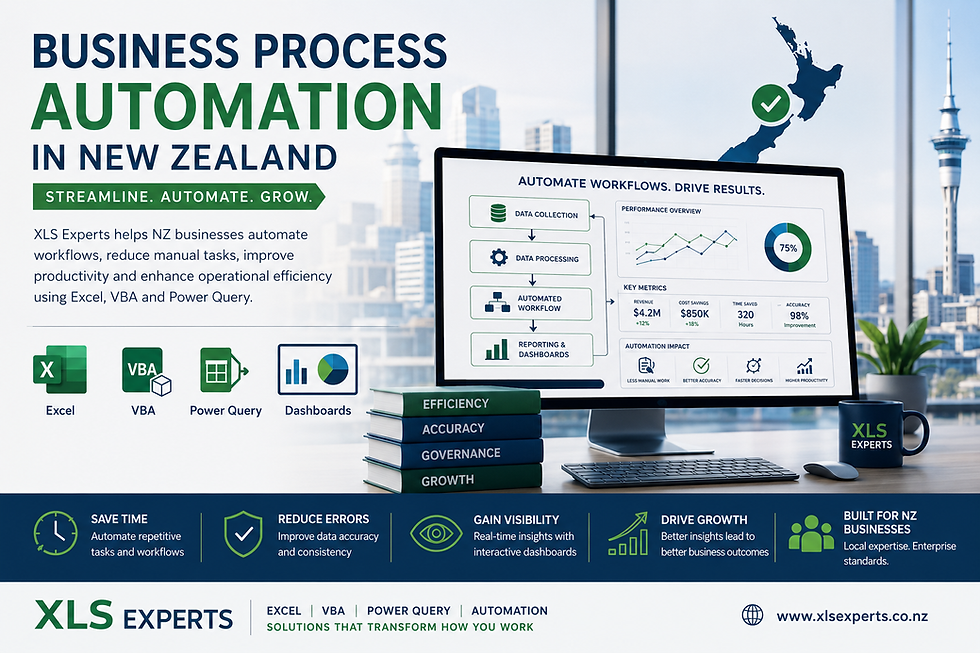
XLS Experts delivers structured Excel, VBA, and Power Query solutions to help New Zealand enterprises achieve supply chain visibility, performance tracking, and reporting consistency — without compromising governance or scalability.
Why Supply Chain Visibility Fails at Scale
Large organisations rarely suffer from a lack of data. Instead, they struggle with:
1. Fragmented Data Sources
ERP, warehouse systems, freight providers, procurement platforms, and finance systems all generate operational data — but not in a unified analytical format.
2. Manual Consolidation
Teams export CSV files, copy data into spreadsheets, reconcile numbers manually, and email versions back and forth. This creates:
Version control issues
Calculation errors
Delayed reporting cycles
3. Inconsistent KPI Definitions
What constitutes “on-time delivery” or “available inventory” may vary across teams, leading to governance and audit risks.
4. Limited Executive Dashboards
Operational leaders require high-level visibility across:
Inventory turnover
Backorder rates
Supplier performance
Lead time variance
Order fulfilment accuracy
Without structured dashboards, insights remain buried in raw data.
Why Excel + VBA Is Still a Strategic Enterprise Tool
When engineered correctly, Excel is not merely a spreadsheet — it is a flexible reporting layer that sits above core systems.
Key Enterprise Advantages
1. Controlled Integration with ERP SystemsExcel can securely extract data via:
Scheduled exports
ODBC connections
Power Query data connectors
Structured API feeds
This avoids costly ERP customisation while maintaining system integrity.
2. Automation with VBAVBA enables:
Automated data refresh
Validation rules
Workflow approvals
Error handling
Controlled report generation
Manual effort is eliminated, and reporting cycles become predictable.
3. Governed Calculation LogicBusiness rules can be centralised:
Standardised KPI formulas
Locked calculation modules
Version-controlled dashboards
This supports auditability and consistency.
4. Rapid AdaptabilityAs supply chains evolve — new suppliers, new SKUs, new distribution channels — Excel-based analytical layers can be updated without waiting for ERP release cycles.
What Does a Supply Chain Dashboard Include?
An enterprise supply chain performance dashboard typically includes:
Inventory Visibility
Stock on hand by location
Safety stock thresholds
Days of inventory
Obsolete or slow-moving stock
Order Fulfilment Metrics
Order cycle time
On-time-in-full (OTIF) performance
Backorder tracking
Service level percentag
Logistics & Distribution KPIs
Freight cost variance
Delivery lead times
Carrier performance
Warehouse throughput
Procurement Performance
Supplier lead time variance
Purchase price variance
Contract compliance
Fill rate metrics
Through Power Query and automated refresh processes, dashboards update directly from source systems, providing near real-time insight without manual intervention.
How Does Excel Automation Work in Practice?
Step 1: Data Mapping & Governance
An Excel expert begins by:
Identifying data sources
Mapping fields across systems
Defining authoritative KPI formulas
Establishing naming and data standards
This prevents fragmented reporting logic.
Step 2: Structured Data Architecture
Rather than creating loose spreadsheets, enterprise solutions include:
Separated data layers
Calculation engines
Presentation dashboards
Controlled user access
The architecture supports scalability and maintainability.
Step 3: VBA Automation
VBA is used to:
Automate data imports
Clean and transform raw data
Apply validation checks
Generate executive reports
Distribute outputs automatically
This reduces dependency on manual operators.
Step 4: Performance Dashboards
Dashboards are designed for:
Executive summaries
Operational drill-down
Department-level analysis
Scenario modelling
Visual elements are supported by locked formulas to ensure reliability.
Frequently Asked Questions (Enterprise Focus)
Is Excel secure enough for enterprise supply chain reporting?
Yes — when implemented correctly. Security is achieved through:
Controlled file environments
Access restrictions
Locked VBA code
Governance documentation
Version control procedures
Excel becomes a managed reporting layer, not an uncontrolled spreadsheet.
How does this compare to ERP customisation?
ERP customisation:
Can be costly
Often requires vendor involvement
Has longer deployment cycles
Excel automation:
Provides flexible analytical layers
Avoids core system modification
Delivers faster ROI
Allows iterative enhancement
For many organisations, Excel complements ERP rather than replacing it.
Can Excel handle large datasets?
With structured Power Query models and efficient VBA coding, Excel can process significant operational datasets. For very large volumes, it can integrate with:
Data warehouses
SQL databases
Cloud storage systems
Excel acts as the presentation and analysis layer while heavy storage remains external.
How does automation reduce risk?
Automation reduces risk by:
Removing manual copy-paste errors
Standardising calculation logic
Ensuring consistent KPI definitions
Enforcing validation rules
This improves confidence in board-level reporting.
Business Outcomes for New Zealand Enterprises
Organisations implementing structured Excel automation for supply chain visibility typically achieve:
Faster reporting cycles
Improved inventory optimisation
Reduced excess and obsolete stock
Better supplier performance management
Enhanced executive decision-making
Reduced manual reporting overhead
Most importantly, operational leadership gains real-time visibility into supply chain performance — enabling proactive intervention rather than reactive problem-solving.
The Role of an Excel Expert in Enterprise Environments
Enterprise Excel automation is not about creating isolated spreadsheets. It requires:
Systems thinking
Data governance understanding
Structured VBA architecture
Performance optimisation
Documentation and maintainability
XLS Experts designs enterprise-grade Excel, VBA, and Power Query solutions aligned with New Zealand business requirements. Solutions are structured, scalable, and built for long-term operational use — not short-term fixes.
Conclusion: Supply Chain Visibility as a Strategic Advantage
In complex supply chain environments, visibility drives performance. Without reliable dashboards and automated reporting, organisations operate reactively and inefficiently.
Excel, when engineered professionally, becomes a powerful enterprise reporting and automation platform. It integrates with ERP systems, enforces governance, and delivers scalable performance tracking.
For New Zealand enterprises seeking cost-effective, flexible, and maintainable supply chain reporting solutions, XLS Experts provides structured Excel and VBA automation designed to support operational excellence and strategic decision-making.
Supply chain visibility is not a spreadsheet exercise. It is a leadership capability — and with the right Excel architecture, it becomes a competitive advantage.


Comments